I’ve tried to register content for one of our journals via the OJS Crossref export plugin, but have run into a 401 error.
Registration was not successful! The DOI registration server returned an error: ’(401 Unauthorized)'.
I’ve tried submitting the XML on the crossref administration platform, but I’ve run into another error message about “not being authorized to submit”.
I’ve tested re-depositing another journal’s DOI and it does not seem to be a member issue, but only an issue with this one prefix/user. This user has been depositing DOIs for years without a problem until now.
I saw another person having the same trouble in our forum, the crossref team was able to help them. How should I proceed?
Thank you for confirming our Crossref membership and assigning us the DOI prefix 10.63995. I have a journal operating on the OJS platform, and I have registered the membership credentials in the Crossref plugin accordingly.
However, I am encountering an error when attempting to register DOIs for articles. The system returns the following message:
Registration Error Message:
(401 Unauthorized)
“There has been a problem locating a publisher for this DOI. Our system shows no member with the prefix 10.63995.”
I have also attached a screenshot of the error for your reference.
Could you please help us resolve this issue? It appears there may be a mismatch or delay in activating the DOI prefix or linking it to our membership account.
We would appreciate your guidance on how to proceed.
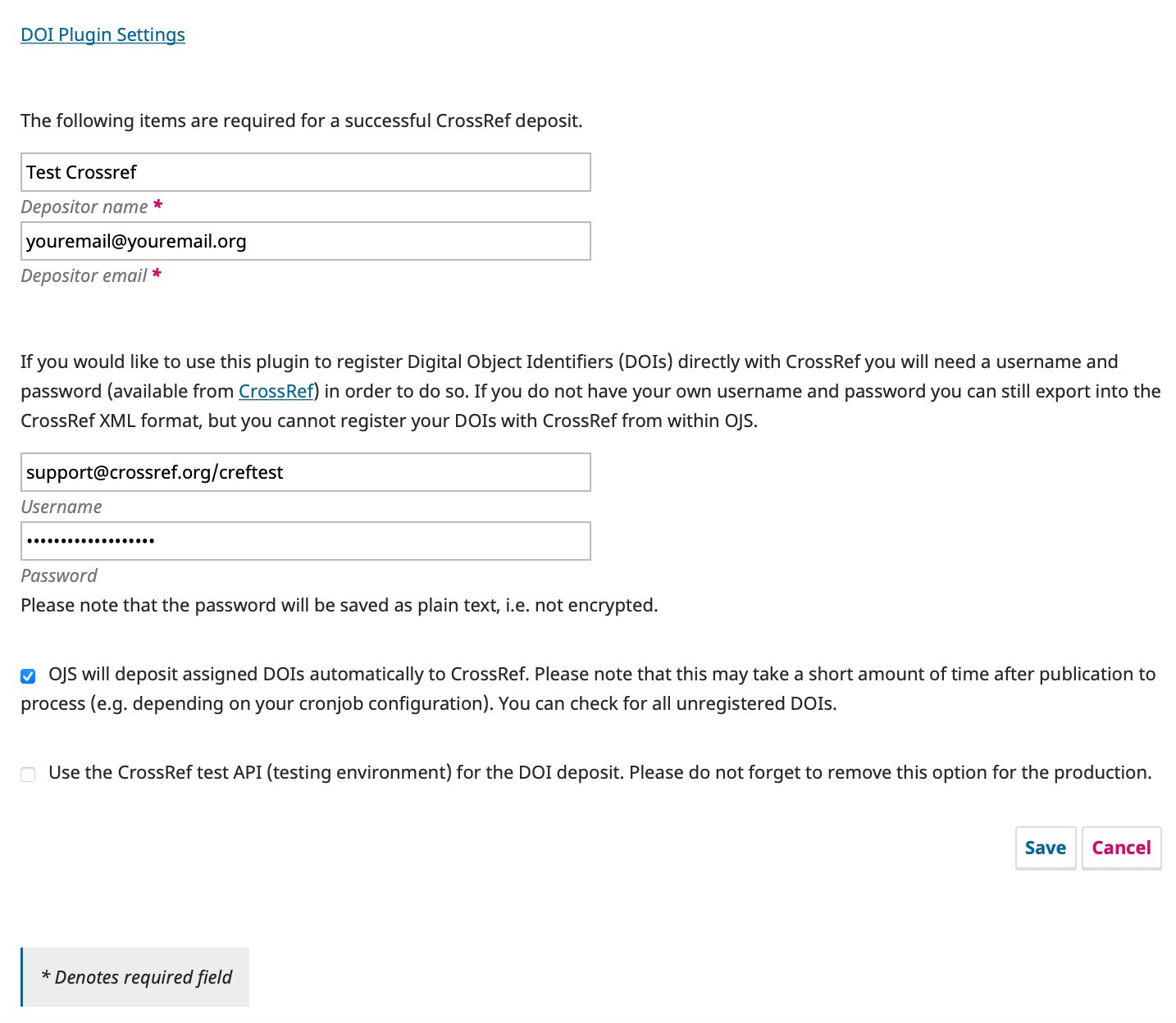
Thanks for the question. A 401 error in OJS usually means that there’s a problem with the credentials you’re using to deposit metadata with us. These credentials are set up through the screen in OJS shown in Step 3 at this page.
The 401 error usually comes about as a result of folks just entering their email address, rather than their email address and role to the Username field. Can you confirm that your username is in the form of email@domain.tld/role and that your Password is the same password you set up when I completed your account setup last week?
Once all of this is updated, please retry a deposit and let us know if you’re still encountering this 401 error.